

Small-business systems & automation
Losing track of enquiries, quotes or the next customer call? Scope a working system for admin, follow-up and job handoffs around your team and existing tools.
 Organise enquiries, quotes & follow-up
AutoBizSol · Business & departmental automation
Tailored automation for business owners and corporate teams. Connect enquiries, quotes, follow-up and approvals around your people and existing tools.

Losing track of enquiries, quotes or the next customer call? Scope a working system for admin, follow-up and job handoffs around your team and existing tools.
Organise enquiries, quotes & follow-upWork stuck between inboxes or departments? Connect requests, responsibilities, approvals and reporting so your team can see who owns the next step.
 Connect your departmental workflows
Deal updates scattered across messages and documents? See blockers, missing seller information and next actions while keeping your existing CRM authoritative.
 See brokerage workflow tools
Site notes scattered before the estimate? Explore a clearer site-capture record and handoff to the estimator, shaped around commercial restoration work.
 Improve restoration site handoffs
AutoBizSol · Managed Digital Services
A clearer business profile. A landing page ready for enquiries. A follow-up process that keeps work moving. We agree the scope, manage delivery, check the work and hand it over.
The AutoBizSol digital store
Choose a workbook, template pack or operating guide for the task in front of you.
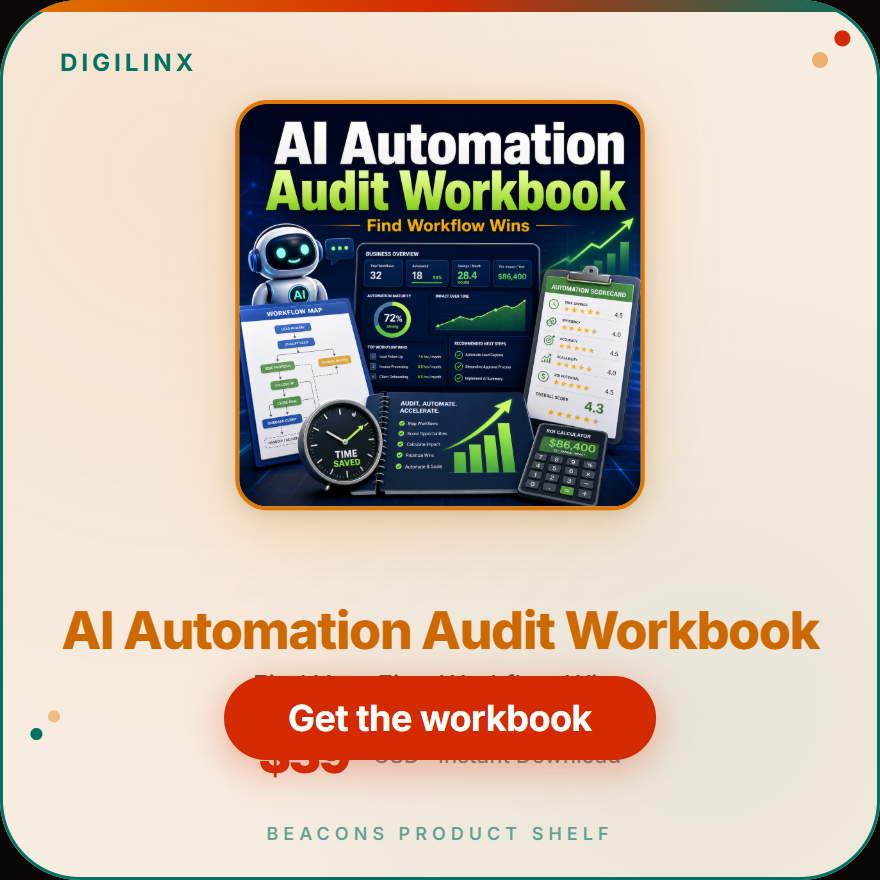 Business kits
Find the first workflow wins: missed follow-ups, admin drag, repeated replies, slow delivery and reporting gaps.
See this tool in the store ↗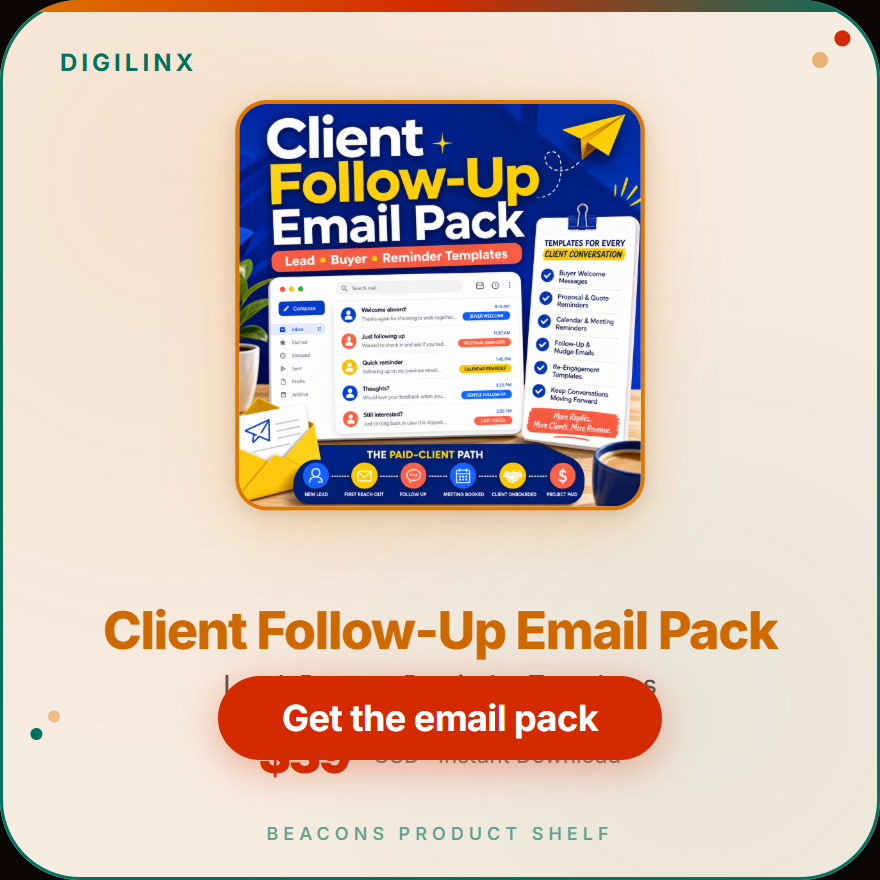 Business kits
Lead, buyer, reminder and missed-response templates for owners who lose revenue in silence.
See this tool in the store ↗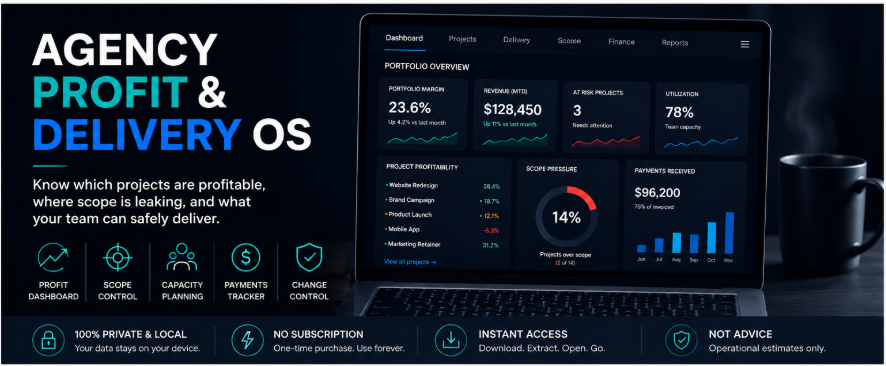 Operating tools
Plan delivery capacity, track project margins and manage scope.
See this tool in the store ↗Choose the way you want to start
Choose the level of help the job needs. The next step should be clear before you commit.
Choose a workbook, template pack or operating guide. Review the materials, current price and delivery details on its product page before checkout.
Show us an enquiry, handoff or recurring task. We agree the deliverables, access, review points and fees before starting the work.
Already purchased? Use the access or onboarding instructions provided with your order. See the next steps.
Start with your reality
Every time someone retypes a request, hunts for a document or asks who owns the next step, useful work waits. We start with one repeated task, map the inputs and handoffs, and agree a workflow or output your team can review. Your existing tools, access rules and human approvals shape the solution.
Tailoring made practical
Bring one real task: an unreturned enquiry, a stalled approval or a messy handoff. Describe the tools and people involved.
Agree the workflow or output, required access, review points, fees and responsibilities before delivery.
Walk through the agreed process with your team. Check ownership, exceptions and the handoff before expanding the scope.
The people behind the brief
Illustrative scenarios. All names, comments and portraits are fictional; not client endorsements.
“I can price a job while I’m on site. Keeping track of the enquiry, the quote and the next call is the part that needs a system. It must work with the way our crew already works.”
Service-business owner
“An approval shouldn’t disappear between inboxes. I need to see who owns it, what is still missing and which decision comes next, without asking the team to rebuild their working day.”
Finance department lead
“The CRM tells me the deal stage. I also need to know which seller record is missing, who owns the request and what must be approved before information is released.”
Business broker
“A folder of site photos is only a starting point. Give me the room, the observation, the approximate area and the questions still open, so I can review the scope from a usable record.”
Restoration estimator
“A useful playbook should earn its place on my desk. I’m looking for a defined tool I can put to work on a specific task, with clear instructions and no mystery about what’s included.”
Independent creative professional
“I don’t need another folder full of things I’ll never open. I want to choose a kit around the job in front of me, sales, delivery or administration, and understand its purpose before buying.”
Digital business operator
We are based in Johannesburg and the West Rand, South Africa, with local client visits by arrangement. International visitors can explore our digital products and remote service routes. A product purchase covers its published inclusions; it does not include consulting or implementation unless those are explicitly offered and agreed.
Your tools and current workflow are part of the brief. Compatibility, access and costs are assessed before an integration is proposed.
Choose a digital kit when you can use a ready-made workbook, template or playbook yourself. Choose a small-business workflow when enquiries, quotes or client delivery need connecting. Choose Department OS when a manager needs recurring documents, reports or other reviewed work outputs around a department. Compatibility, access and fees are agreed for custom work.
We clarify the need, confirm availability and agree the deliverables, fees and responsibilities before delivery.
Start with your reality
Tell us your goal, current approach and what makes your situation different. We’ll agree the scope, fees and responsibilities before delivery.
Find my automation solutionPlease do not include confidential documents in your first enquiry.